

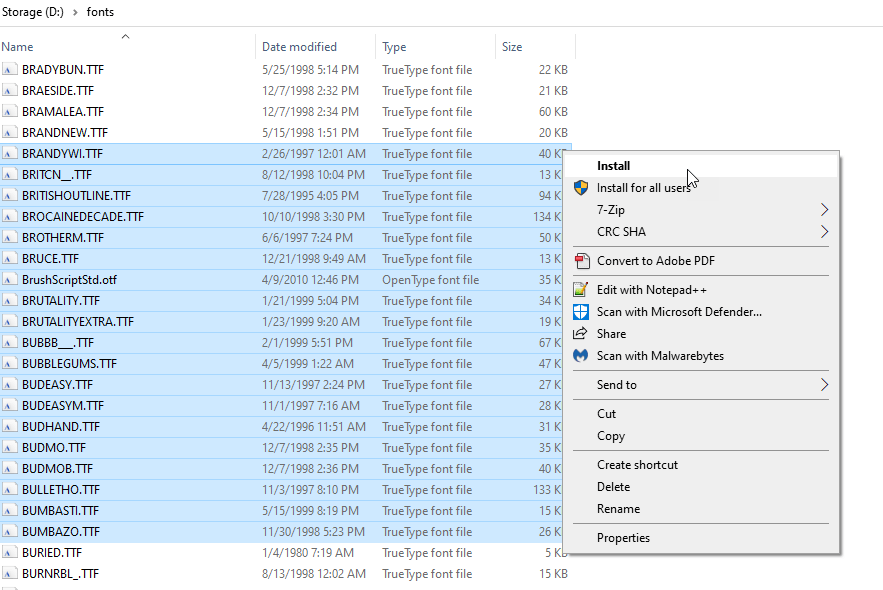
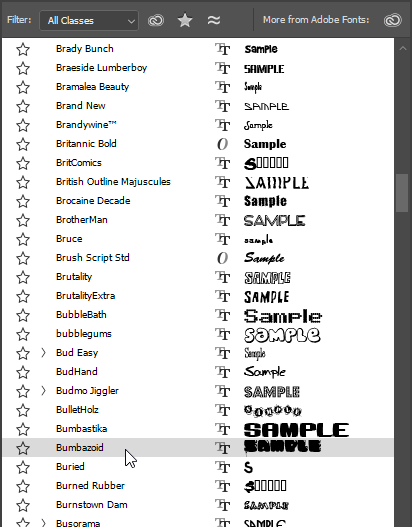
I have several fonts that were received with a website template, and the fonts are not in any installer program, they are simply separate files that are included. How do I install them so that Adobe Photoshop will pick them up?
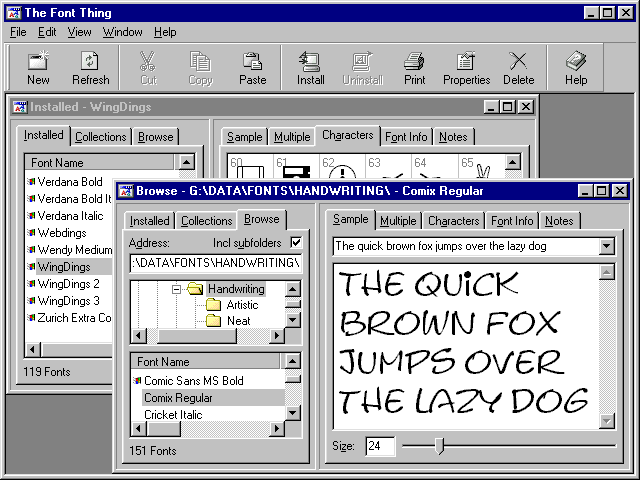
In Microsoft Windows I can go to the Start Menu, then Settings, then the Control Panel and click on the fonts folder and I see many different fonts. However, I am concerned that if I just dump them there that they may cause a problem as I have heard fonts must be installed, not just copied to a folder.
What is the correct way to install fonts so that they can be utilized with Adobe Photoshop?




-
0
That's strange, I have copied fonts into the font folder and its worked a charm. Having said that, its obviously better you do follow what is suggested below as that is obviously a more secure and wise way to install the fonts.
— Craig C.
-
0
Yeah it always used to work for me too when just copying the fonts into the folder, maybe its something that has changed as Microsoft Windows has progressed.
— musik
-
0
I have always just copied the fonts into
add a commentC:/Windows/Fontsand it worked great for me. — nero